
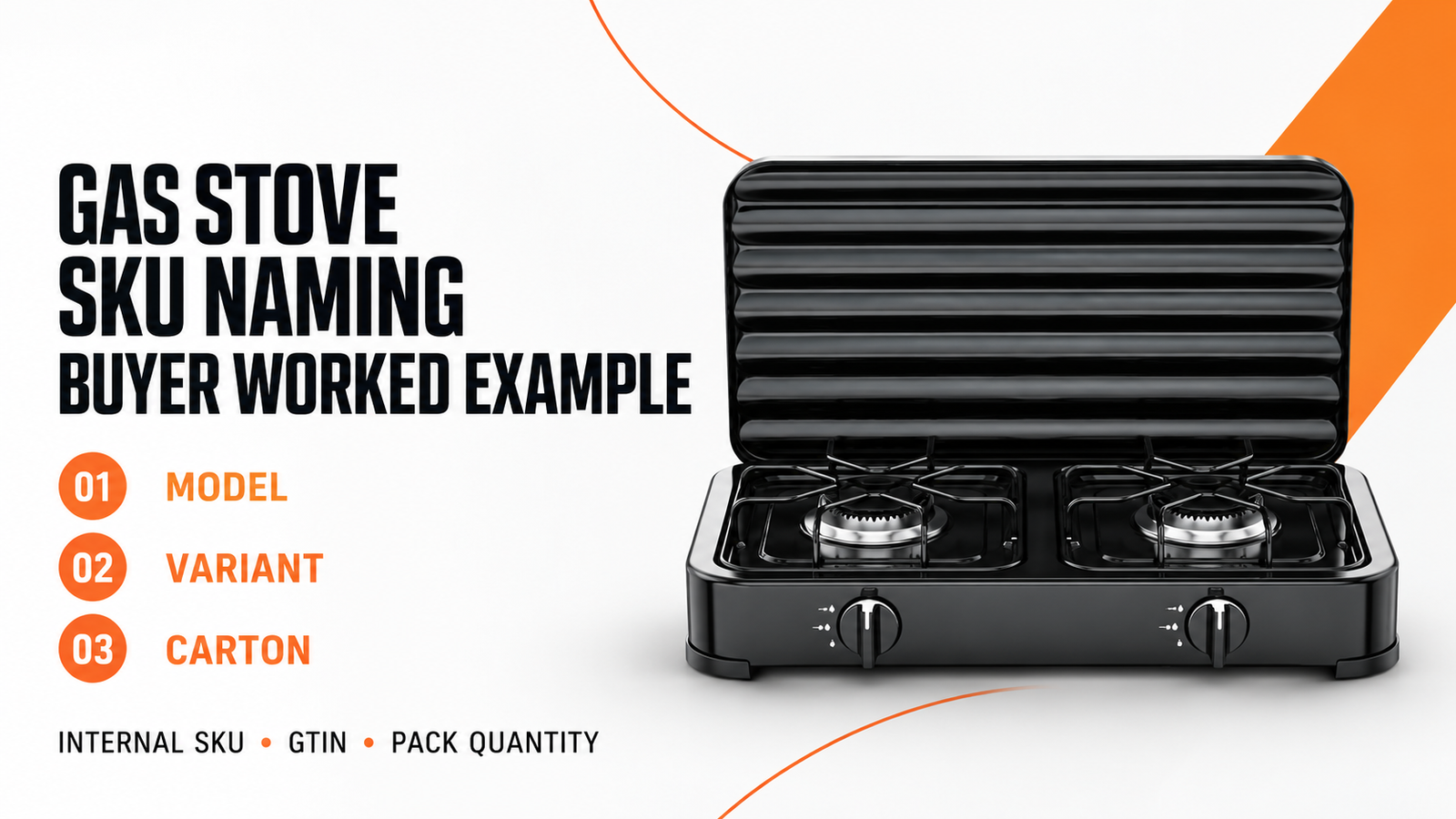
Use one internal SKU for each separately stocked gas stove configuration. Keep the full factory model, configuration reference and GTIN in separate fields.
The worked examples below connect two actual ECOBRIDGE models to a buyer item register and a fictional 96-appliance purchase order.
Use the setup sheet to check whether a colleague can identify the correct appliance, carton quantity and order line without interpreting a model suffix.
Gas stove SKU, factory model and GTIN: what differs?
- Factory model
- The supplier’s complete design reference, such as 6002LB.
- Buyer SKU
- The internal item code used in your inventory.
- Configuration reference
- The link to the specification, brand and pack version you intend to buy.
- GTIN
- A GS1 trade-item identifier, where used. Keep it separate from the internal SKU.
Shopify’s official SKU guide distinguishes internal SKUs from barcodes and recommends unique codes for variants. Its examples also show that businesses can choose their own consistent formats. This supports separating the fields; it does not prescribe a gas-appliance identifier or a universal character limit.
Choose a stable internal code
Start with a short stable key such as GS-000121. Store searchable descriptions beside it: supplier, full model, brand, configuration reference and sale unit. A clerk can search those fields without the key having to carry every specification. Changing a descriptive field then does not automatically rename the item across old purchase orders, warehouse records and sales history.
A descriptive code can also work when an existing system requires one. Define the abbreviations in a shared legend and check the receiving software’s allowed characters and length. Avoid a string built from a guessed gas type, an unverified model suffix and a temporary destination. Those characters would look authoritative while the underlying assumptions remain unresolved.
Use the product listing field map after the item has an identity. That guide controls which specifications go into public fields. The register here decides which item each of those fields belongs to.
Keep complete models: 6002L vs 6002LB
The ECOBRIDGE Gas Stove catalog 2026-04 lists Model 6002L as a two-burner cooker with product-size entries of 500 × 278 × 53 mm and eight pieces per carton on PDF page 5, printed page 07. Model 6002LB appears on PDF page 6, printed page 09, with 500 × 278 × 110 mm and eight pieces per carton. The current 6002LB product page repeats the latter model, product-size entry and carton quantity.
The shared burner count and first two dimensions do not make these the same item. The third catalog dimension is different. If a spreadsheet removes the final letters and stores both as “6002,” a later lookup cannot reliably recover which model was quoted. Preserve the complete model string before designing any buyer abbreviation.
These are supplier reference entries, not measurements made for this article or a current packing commitment. The sources do not establish what the letters mean. Also, the 6002LB color-box and outer-packing dimension entries need reconciliation before logistics use. The example below uses only the identified model, product-size reference and stated unit count; it does not transfer the disputed package dimensions.
A worked model-to-SKU register
Invented buyer codes; actual catalog references. These rows are research-stage examples, not released stock records. A real record needs the order’s configuration and packaging references before it is used for purchasing.
On a phone, swipe or scroll the table sideways to see every column.
| Illustrative buyer SKU | Complete factory model | Catalog product-size entry | Stock unit | Catalog carton reference |
|---|---|---|---|---|
| GS-000121 | 6002L | 500 × 278 × 53 mm | 1 appliance | 8 appliances |
| GS-000122 | 6002LB | 500 × 278 × 110 mm | 1 appliance | 8 appliances |
The immediate buying consequence is to keep two model lines in the inquiry and quotation comparison. Do not let a lookup on a shortened “6002” overwrite one with the other. Even if only 6002LB is eventually selected, retain the rejected model as a separate reference rather than recycling its SKU for another item.
Work through unit and carton quantities
This fictional training order uses one proposed 6002LB configuration. Assume the buyer has separately completed its specification and packing review.
For the exercise, use CFG-122-A for the configuration and PK-122-08-R01 for an eight-unit pack. These invented references do not describe an actual ECOBRIDGE order.
Keep GS-000122 as the appliance SKU. Create a linked case record such as CS-000122-08, with child item GS-000122 and contained quantity eight.
If your system manages cases through a unit-of-measure conversion instead of a separate case SKU, use that supported method. The necessary outcome is the same: “one case” must resolve to a named item and an exact count.
The GS1 US shipping-case walkthrough provides a useful operational comparison. It starts from an individual product and links a case to the contained item and quantity; its case record also has an optional internal SKU field. That is a practical reason to retain the product relationship rather than writing “carton” into a free-text description. The walkthrough describes GS1 US Data Hub, not a requirement to use that particular application.
96 appliances in 12 cases
Training order — not an actual ECOBRIDGE order
Item: GS-000122 · Factory model: 6002LB
Configuration: CFG-122-A
Order quantity: 96 PCS
Packing: 12 cases × 8 appliances
Pack reference: PK-122-08-R01
State whether the price is per appliance or per case in the commercial price field. The exercise quantity is not a supplier minimum order or a quoted offer.
A receiving clerk can now reconcile the PO quantity, packing-list case count and appliances per case:
- Expected receipt: 12 cases × 8 appliances = 96 appliances.
- If 12 cases are posted as 12 appliances: stock is understated by 84 appliances.
- If 96 is posted as a case quantity: the record implies 768 appliances.
The unit-of-measure field is part of the item setup. It should not depend on someone inferring the unit from an invoice layout.
When the case quantity changes
Suppose a later proposal changes the case to four appliances. That is a hypothetical alternative, not a packing option offered here. For the same 96-appliance exercise, the case count becomes 24. Create or revise the case relationship under your system’s rules and retain the old relationship for historical transactions. Do not silently change the conversion used by a previously received PO.
Where GS1 identification applies, its GTIN Management Standard, section 2.8, requires a new GTIN for the affected higher packaging level when the number of contained trade items changes. A case-count change alone is not the same event as changing the base appliance. Review other applicable triggers separately. Never generate a plausible-looking number from the internal SKU and print it as a GTIN.
When does a market version need a separate SKU?
Ask a concrete warehouse question: can these units be picked interchangeably for the same order? If two versions require different physical goods or different sale packages, give staff a way to distinguish them in inventory. A country name pasted into a description is insufficient when the wrong version could still be picked under the same item code.
Physical packaging vs a translated description
For example, imagine separately stocked English-only and Spanish-only sale packages for the same proposed stove platform. This is a fictional packaging exercise, not an available ECOBRIDGE offer. Keep the shared factory model in both records, allocate distinct buyer item records for the two physical versions, and link each to its own approved packaging reference.
Do not use “ES” to imply a gas specification, conformity route or permission to sell in every Spanish-speaking country.
The GS1 standard’s section 2.1 specifically includes a new Spanish-language-only packaging version among its new-product examples. By contrast, GS1 US’s product-information update guidance allows additional language descriptions and distinguishes correcting data from repurposing a product identity. A translated website description does not, by itself, establish a physically different package.
Warehouses and orders are separate records
That distinction prevents unnecessary duplication too. If the exact same stocked item moves between two warehouses, a new location does not inherently create a new variant. Shopify’s guide explicitly keeps the same variant SKU across its inventory locations. In your register, store location balances separately from item identity and check how your own warehouse software implements that relationship.
Likewise, a new customer, quotation number or PO number usually belongs in the transaction record. Create another item when there is a stock distinction your team needs to preserve, not merely because the same goods appear in a second sales conversation. If a customer-specific brand, accessory bundle or physical pack really differs, document that difference and review the item and GTIN decisions separately.
Correct a record or create a new item?
Use three questions in order: did the recorded data change, did the physical or commercial item change, and can old and new stock still satisfy the same order? This is a buyer’s working method; local system rules and applicable identification requirements still govern the final implementation.
- A spelling correction in the description: correct the text and retain a change note. GS1 US distinguishes a description correction from replacing a product under an existing GTIN. Do not assign a new internal item merely to fix a typo.
- A technical drawing revision: ask what actually changed. A revised file number alone does not tell you whether inventory is interchangeable. If a component or market configuration changes, obtain the technical disposition before deciding how the item record should change.
- A different separately stocked sale package: create a distinguishable record and route it to the correct order and artwork. Review the applicable GTIN rules rather than assuming that keeping the same stove model settles the decision.
- A different count in the shipping case: update the pack relationship, order conversion and affected label data together. Preserve the old pack record for existing stock and previous receipts.
When an old version is discontinued, mark it inactive for new purchasing while retaining its history and successor link. Reusing its code for a different stove can make an old invoice or service record resolve to today’s unrelated product. A short inactive-item list is easier to interpret than a reused identifier whose meaning depends on when someone asks.
Preserve cooktop suffixes in the model register
For five-burner glass cooktops, keep 6502G with enameled pan support separate from 6502G-1 with cast iron pan support. The stainless-steel pair likewise has distinct pages for 6501S with enameled pan support and 6501S-1 with cast iron pan support. Copy the complete supplier model into the register before assigning a buyer SKU.
The two-burner range includes 6201S-1 with cast iron pan support, 6201S-2 with enameled pan support and 6201S-3 with cast iron pan support, alongside glass cooktop 6202G with enameled pan support. Do not collapse these entries into “6201” or infer every specification from the suffix. Match each record to its approved drawing, support configuration, packaging and current product data.
Copy the buyer SKU and carton setup sheet
Use the following fields as a compact starting point. Keep one item record for each separately managed configuration and a linked record for each relevant pack level. The bracketed entries must be replaced with real project information; they are not ready-to-print label data.
| Record | Fields to complete | Exercise reference |
|---|---|---|
| Stock item | Buyer SKU; supplier; complete factory model; searchable description; stock unit | GS-000122; ECOBRIDGE; 6002LB; 1 appliance |
| Version | Brand; actual sales territory; configuration reference; retail-pack and artwork references | CFG-122-A; [project-specific brand, territory and files] |
| Shipping case | Case ID; child SKU; contained quantity; pack revision; purchase-unit conversion | CS-000122-08; GS-000122; 8; PK-122-08-R01 |
| External identification | Unit GTIN and case GTIN where applicable; allocation owner; status | [Actual allocated identifiers — no sample barcode numbers] |
| Lifecycle | Active/inactive; effective date; predecessor/successor; change reason | [Complete before using the record for a real order] |
Check the lookup in both directions
Before the next real printing or receiving activity, ask a colleague who did not build the sheet to start with one proposed carton label. Can that person find the complete model, correct buyer item, contained quantity and corresponding order line? Then reverse the direction: start with the PO and identify which unit and carton labels belong to it. A mismatch is a concrete item-setup defect to resolve.
For a barcode-enabled workflow, use the actual allocated identifier and the intended system to check the lookup. Reading a barcode and validating print quality are separate tasks; this exercise does not certify barcode quality. Follow the channel’s requirements before releasing production labels. Connect the resulting identifiers to the packaging artwork approval process so that an old artwork file cannot restore a superseded code or carton count.
A workable SKU system lets the supplier quote the full model, the buyer order the intended version and the warehouse receive the correct quantity. For an ECOBRIDGE project, bring the proposed item list and unit/case relationships alongside the model inquiry. Resolve those relationships before copying identifiers into listings, packaging and purchasing records.
Sources and scope
The code format used here is an editorial recommendation for importers and private-label teams. It is not an ECOBRIDGE numbering system, a barcode allocation service or evidence that a particular configuration is approved for a market.
Sources reviewed on 28 October 2026. The code names, configuration references and order quantities above are editorial exercises. None records a completed customer order, product test, barcode allocation or destination-market approval.
- Shopify Help Center, Using SKUs to manage your inventory: internal item codes, variants and inventory locations. Platform guidance is not a universal gas-stove coding standard.
- GS1 US, Create a Shipping Case (GTIN-14) and Generate an ITF-14 Barcode: linking contained products and quantities in its Data Hub workflow.
- GS1, GTIN Management Standard, Release 1.1, ratified September 2023: introduction and relevant sections 1.1–1.4, 2.1, 2.2 and 2.8 reviewed. The cited rules concern identification, not gas-appliance conformity.
- GS1 US, How to Edit and Update Product Information: correction versus new-product identity and editable product-data fields in Data Hub.
- ECOBRIDGE, Model 6002LB product page: supplier model, product-size entry and carton quantity.
- ECOBRIDGE, Gas Stove catalog 2026-04, supplier PDF, pages 5–6, printed pages 07 and 09: Model 6002L and 6002LB reference entries. No public download URL is supplied for this original document.