
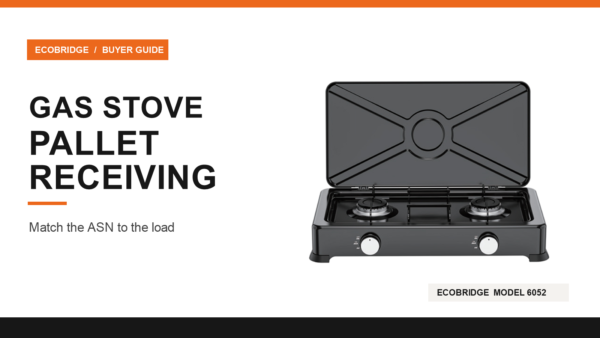
Gas Stove Pallet Receiving: When the ASN and Load Disagree
A pallet arrives with five gas stove cartons. The advance shipment notice also lists five. The pallet label scans, but one carton contains a different stove model from the one the warehouse expected. Posting the pallet as complete would put stock on the wrong item and leave a real shortage hidden behind a matching carton total. For gas stove pallet receiving, compare the order, the shipment notice and the physical cases before confirming stock. If they disagree, record the difference by item and unit of measure. Keep confirmed, held and missing quantities separate so the supplier and warehouse can resolve the exception without losing the original count. Use the scan to find the shipment The purchase order (PO) says what the buyer expects. The advance shipment notice (ASN), also called a despatch advice, says what the supplier reports sending on that shipment. The physical count says what reached the dock. Preserve those as three observations. If the supplier sends an amended ASN, keep its revision alongside the one the receiver originally saw. In a GS1 workflow, a Serial Shipping Container Code (SSCC) identifies an individual logistics unit, such as a particular loaded pallet. The receiving system can use it to find the shipment data linked to that pallet. A GTIN, where used, identifies a trade item at the relevant packaging level. When a pallet is mixed and is itself only a logistics unit, the GS1 Logistic Label Guideline describes linking the item detail electronically to the SSCC. The GS1 overview of logistics unit identification explains the same distinction from the scan side. Ask the receiver what happens after scanning. In one setup the scan opens an ASN for inspection. In another it can trigger receipt, depending on the system and the supplier agreement. The GS1 guideline describes both acceptance from


